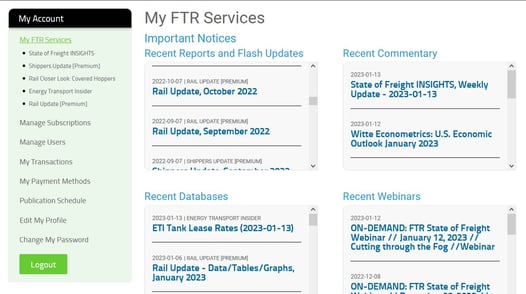
How do I log in to FTR Client?
You can log in to FTR Client in two ways: via the My Services button on Ftrintel.com, or by going directly to https://ftrclient.com and entering your email address and password.
- Option 1 — From Ftrintel.com, click the My Services button in the top right corner of the screen.
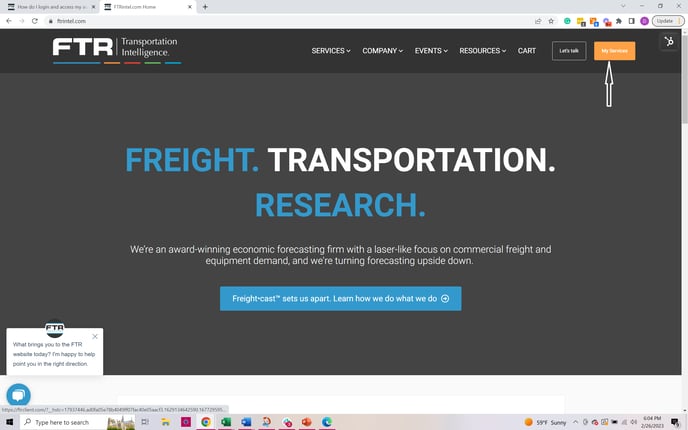
- Option 2 — Point your browser directly to
https://ftrclient.comand log in with your email address and password.
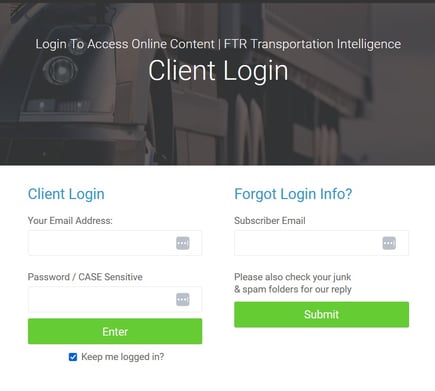
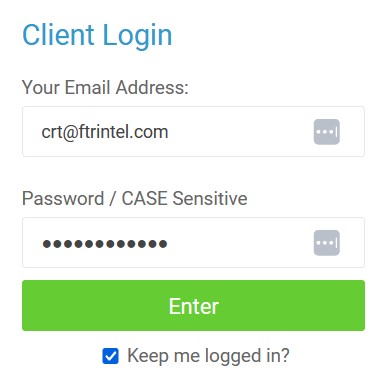
Entering your credentials
Regardless of which option you used, enter your email address and password on the login screen.
This will take you to your My FTR Services homepage.
For more information visit Components of My Subscription